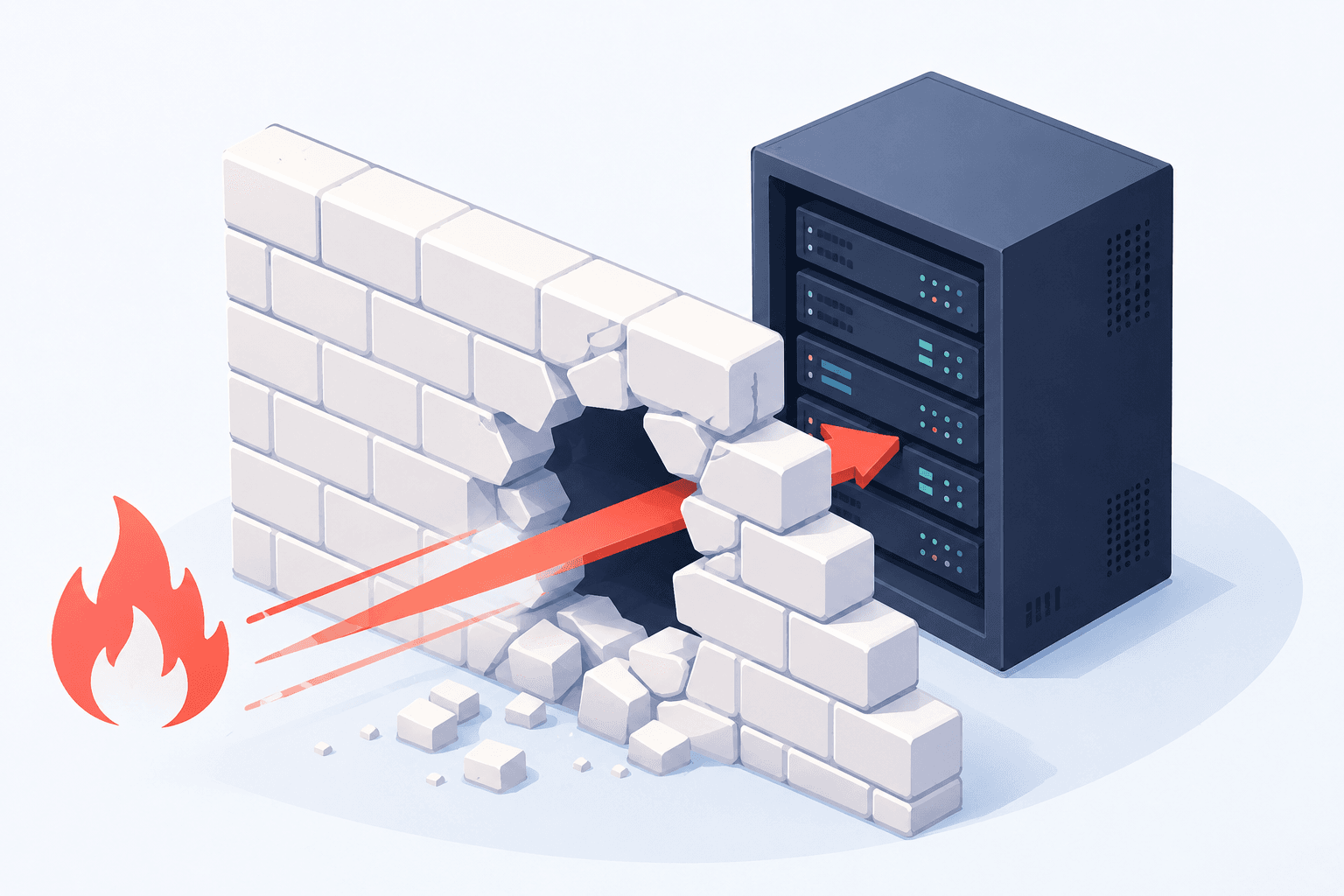
On Monday morning, GitHub broke. Not a blip, not a slow page here and there. For three hours and nineteen minutes, roughly one in five requests to the site and the API returned errors, about half of all raw file and archive downloads failed outright, and GitHub Actions, Copilot, and enterprise sign-on features all degraded alongside them.
Downdetector logged more than 3,000 problem reports in the first hour alone. The chart at the top of this page is what everyone’s Monday looked like: a wall of red at 9 AM, right as the workday started.
GitHub says the incident is mitigated and the investigation is ongoing. Fine. But the more useful conversation is the one nobody has until the morning everything stops: why does an outage at one company freeze engineering teams all over the world?
The Outage Was GitHub. It Was Never Git.
Here is the part that gets lost: Git itself did not go down on Monday. Git cannot go down, because Git is not a service. It is open source software that runs on your machine, and it was designed from day one as a distributed system. Every clone of a repository is a complete copy, with full history. There is no technical reason your source code needs to live at one company.
GitHub is a convenience layer on top of Git: hosting, pull requests, permissions, CI, and a social network for developers. It is a genuinely good product. But convenience layers fail, and when this one fails, teams discover how much of their operation quietly grew roots into a single vendor.
Commits kept working on Monday because commits are local. What stopped was everything wired through the platform: deploys that trigger from GitHub Actions, builds that pull dependencies from GitHub-hosted repositories, sign-ons that authenticate through GitHub, and every workflow that assumes the remote is always there.
Self-Hosted Git Is Not a Science Project
A decade ago, running your own Git server meant a bare repository over SSH and not much else. Today there is a healthy ecosystem of open source Git servers that give you the full GitHub-style experience, web interface, pull requests, issues, CI, on hardware you control:
- Gitea is the workhorse: lightweight, fast, actively developed, with a built-in CI system compatible with GitHub Actions workflows. It runs comfortably on a small VPS.
- Forgejo is a community-governed fork of Gitea and the software behind Codeberg. Same footprint, with governance many organizations prefer.
- Gogs is the original minimalist. It will run happily on a Raspberry Pi, which tells you everything about how little hardware a Git server actually needs.
- GitLab Community Edition is the heavyweight: a complete DevOps platform with registry, CI, and issue boards. More server, more capability.
- OneDev is the modern dark horse, with built-in CI/CD, code search, and a clean single-binary deployment.
Any of these runs on a modest cloud server from a provider like DigitalOcean or Vultr for less than the cost of a few GitHub seats. And when a big provider has a bad morning, your team keeps pushing, reviewing, and deploying like nothing happened.
We Have Seen This Movie Before
If this argument sounds familiar, it is because we made it after the last round of internet-wide failures. When Cloudflare stumbled and took half the web with it, we wrote about building a resilient tech stack and about the alternatives worth having ready. The vendor changes. The lesson does not.
Centralization is convenient right up until the moment it is not, and the companies that shrug off these outages are the ones that own the pieces of their stack that matter. Your source code, your build pipeline, and your deployment path are firmly in that category. They are the factory floor of a software business.
You Do Not Have to Quit GitHub. You Have to Stop Depending on It.
This is not a purity argument. GitHub is still a fine place for open source work, community visibility, and collaboration with outside contributors. Keep it if it serves you.
The move is redundancy. Git makes mirroring trivial: a second remote and a scheduled push, and every repository lives in two places. Teams that had a self-hosted mirror on Monday lost a convenience. Teams that did not lost the day.
A sensible setup for most organizations looks like this: a self-hosted Git server as the always-available home for your code, CI running where you control it, and GitHub as an optional public-facing mirror rather than a single point of failure.
The Catch: Somebody Has to Run It
Self-hosting trades a subscription for a responsibility. Your Git server needs updates, backups, TLS certificates, monitoring, and someone who knows what to do when a disk fills up at 2 AM. That responsibility is exactly why most teams never make the move, and it is exactly the work we do every day.
GillyTech runs production infrastructure for businesses that want ownership without the on-call burden. We host and manage self-hosted applications, Git servers included, on hardened, monitored, backed-up infrastructure. We set it up, we keep it fast and patched, and your team just uses it. If you want the whole stack reviewed, that is what our engineering practice is for.
Want your code and your pipeline to survive the next big outage? GillyTech can stand up a fully managed, self-hosted Git server for your team, usually in under a day, and audit the rest of your stack for single points of failure while we are at it. Schedule a call and we will walk through it together.