
How to pick a web host when your site brings in the calls
Picture a three-person plumbing and HVAC company. The website has to load fast on a phone in a customer's driveway, take booking requests at any hour, and keep working in the first week of a cold snap when every call counts. The owner has no IT person and no time to babysit servers.
A wrong pick shows up in ordinary ways. Pages crawl on mobile. The site goes down on the busiest day of the year. A cheap first-year price jumps at renewal. Or the site outgrows its plan and has to be moved while jobs are coming in. Downtime is estimated to cost small businesses $137 to $427 per minute, and the same home-services call data puts unanswered inbound calls at 27%, so a site that fails at the wrong hour adds to a leak that already exists.
A 2026 study of 2,629 local businesses found one in three lacked a functional, healthy web presence, with broken pages and sites that don't work well on mobile among the common faults.

The order of decisions fixes most of this. Choose the hosting type first, based on where your business is today, then choose the host within that type. We make recommendations from GillyTech's experience managing servers for service companies. That experience is the basis for the rankings, which are judgments, not lab tests, and each option gets its strengths and its limits.
The post runs in this order: a decision path by business stage, the six criteria we apply to every host, the ranked list, a side-by-side table, and final steps.
Match your hosting type to where the business is today
No hosting type is best for every business. The right one depends on how many leads the site produces and what the site has to do.
Shared hosting: a new site. The plumbing company launches with a five-page brochure site and a contact form. Shared hosting is enough, and it is the cheapest way to start. The limit is that your account shares a server's CPU and memory with other sites, and the host enforces caps on them. The signal to move up is recurring limit events in your hosting dashboard (CPU, memory, entry processes, I/O) that line up with slow pages or 500 and 503 errors. There is no universal visitor number. A single limit hit on a Monday is noise, while the same hit every week during the busy season is the signal.
Managed WordPress: steady local leads. At about 50 leads a month, the site is now a sales channel, and nobody on staff wants to run plugin updates, backups and security patches. Managed WordPress hosting takes that work off the owner. The limit is that it is built for WordPress and little else, so custom software or unusual server settings will not fit. Move up when the site needs something the managed plan won't allow. Our two WordPress posts cover the host choice in depth: Best WordPress Hosting (Including Managed Options) Compared for Local Service Businesses and WordPress Website Hosting: How to Choose the Right Host for a Service Business.

VPS: online scheduling and quoting tools. After the company adds online scheduling, the site runs live bookings and database writes, not just page views. A VPS gives you dedicated CPU and RAM, root access and room for unsupported software or custom server settings. The limit is responsibility. Unmanaged, a VPS leaves patching, security and backups to you, so a service owner with no IT person should buy it managed or skip it. Move up when one server's capacity, or one server's single point of failure, is no longer acceptable.
Cloud: multi-location or fast growth. A company with several branches, a client portal or traffic spikes needs capacity that scales and spreads across machines. Cloud hosting does that, and it costs more and takes more setup. Most three-person crews never reach this stage.
Dedicated servers rent you a whole machine. They rarely suit a small business because a managed VPS or cloud plan gives the same headroom for less money and less upkeep.
Speed also depends on the server software, and LiteSpeed is one reason, covered in Fastest WordPress Hosting: Why LiteSpeed Servers Load Service Business Sites Quicker.
The six checks we run on every host
Every host in the ranked list gets the same six checks, in the same order, with no extra criteria added for any one of them. Plans and prices come from each host's official pages. How the criteria play out day to day comes from GillyTech's work managing servers for service companies.
Performance. Look at how the site feels to a customer on a phone, not at advertised server specs. Google's Core Web Vitals targets are a usable yardstick: largest content in 2.5 seconds or less, interaction response under 200 milliseconds, layout shift under 0.1. Real-visitor data beats a one-off lab test.
Uptime. A down site means missed calls and lost bookings, so read the guarantee's fine print. Bluehost's shared plans carry a 99.99% SLA with a single 5% monthly credit if you claim within 30 days, and its uptime terms don't apply identically to every product. Hostinger's hosting agreement sets the same 30-day claim window and excludes scheduled maintenance, DDoS attacks and DNS problems. A credit does not replace a booking you lost, so we also look at monitoring and how fast a host responds to an outage.
Support. For a business that takes calls at 7 a.m. in July, support hours matter more than a feature list. We check whether help is available outside office hours and whether you reach a person.
Price including renewal. The first-term price is a promotion. We record the renewal price too. Prices in this post are as of October 2026 and are not repeated with a date each time. Pricing depth lives in Managed Hosting Prices: What Small Businesses Actually Pay and What's Included.
Email. We check whether business email is included or sold separately. The full breakdown is in Business Web Hosting With Email: A Small Business Guide to Picking a Host.
Backups. We look for automatic daily copies of the site and mailboxes, kept off the live server, because a hacked or broken site is only a bad afternoon if a clean copy exists.
How hosting affects search rankings is covered in Best Hosting for SEO: How Your Host Affects Local Search Rankings.
Five hosts ranked for a small service company
The ranking follows the six checks in order: performance, uptime, support, price including renewal, email, backups. Prices are as of October 2026.
1. Hostinger. Best budget pick and best overall starting point. Premium covers up to three sites with 20 GB SSD storage. Unlimited adds 50 GB NVMe, daily backups and unlimited mailboxes per website. Its hosting agreement sets a 30-day claim window for uptime credits. Backups cover site content, not mailboxes, so email needs its own copy. Choose it for a new site or a steady local-leads site on shared hosting. Look elsewhere if you need hands-on help or booking tools under heavy load.
2. GillyTech HyperPress. Best for service companies that want someone else to run the server. We make HyperPress. It is managed WordPress hosting at $100 a month for small to medium sites, with a $250 one-time migration fee. It includes priority direct human support, 24/7 uptime monitoring and 90 days of off-site backups with multiple restore points. In one case study, a migration cut Largest Contentful Paint from 3.3 seconds to 383 milliseconds with zero downtime. The limits: mailbox hosting costs extra, and it is WordPress only. At $100 a month it is a poor fit for a DIY owner with a brand-new site. Choose it once leads are steady and downtime costs real calls. We offer less expensive plans for starter websites with all the uptime, security and much of the performance benefit.
3. Bluehost Managed WordPress. Best for WordPress users who want guidance. Backups are weekly, and support runs 24/7 by chat, phone and ticket. Advertised rates need a 36-month term. Starter renews at $9.99 a month on that term, $11.99 on 12 months and $15.99 monthly. A Pro Email trial exists, but post-trial mailbox pricing isn't published. Choose it if you built the site yourself on WordPress. Skip it if you want daily backups included.
4. SiteGround. Best for support and speed on shared hosting. StartUp is $2.99 a month for the first 12 months, then $17.99. GrowBig goes from $4.99 to $29.99. The jump is the largest on this list, so budget for year two. Shared plans list daily backups and 24/7 support. Choose it if support matters more than price. Look elsewhere if you can't absorb the renewal.
5. GoDaddy. Best for owners who want domain, email and hosting under one login. Displayed prices are promotional for a three-year initial term. Support is 24/7 by chat, phone or email, and backups restore the whole account from the previous day. Mailbox capacity isn't stated. Choose it for simplicity, and compare the renewal total first.
For a service company, the best host stays up during a busy week and answers the phone. A store needs checkout speed under load, and a content site needs traffic headroom. A plumbing company could start on Hostinger, move to Bluehost or HyperPress at 50 leads a month, and choose HyperPress once online scheduling is live.
All five hosts compared on the same six checks
Each row covers the same six checks, then a best-for label and hosting type. Prices are as of October 2026. A cell is plain where the host publishes nothing specific.
Host | Performance | Uptime | Support | Price incl. renewal | Backups | Best for | Type | |
|---|---|---|---|---|---|---|---|---|
Hostinger | 109 ms US TTFB (Premium, test) | 99.95% over 54 days (test) | Hands-on help limited | Premium $2.49/mo on 48 months, renews $10.99/mo | Unlimited mailboxes on Unlimited plan | Daily on Unlimited plan | Budget start | Shared |
GillyTech HyperPress | LCP cut from 3.3 s to 383 ms in one case study | 24/7 monitoring and automatic resolution | Priority direct human support | $100/mo, $450 one-time migration | Mailboxes cost extra | 90 days off-site, immutable | Hands-off server care | Managed WordPress |
Bluehost Managed WordPress | 287 ms US TTFB (Starter, test) | 99.90% over 54 days (test) | 24/7 chat, phone, ticket | Starter renews $9.99 (36 mo), $11.99 (12 mo), $15.99 monthly | Pro Email trial | Weekly | WordPress DIYers | Managed WordPress |
SiteGround | Listed as fast | None found | 24/7 | StartUp $2.99 then $17.99 | Not listed | Daily | Support on shared | Shared |
GoDaddy | 369 ms US TTFB (Economy, test) | 99.83% over 54 days (test) | 24/7 chat, phone, email | Economy $6.99 first year, $11.99 standard | Capacity not stated | Previous day, whole account | One login for domain, email, hosting | Shared |
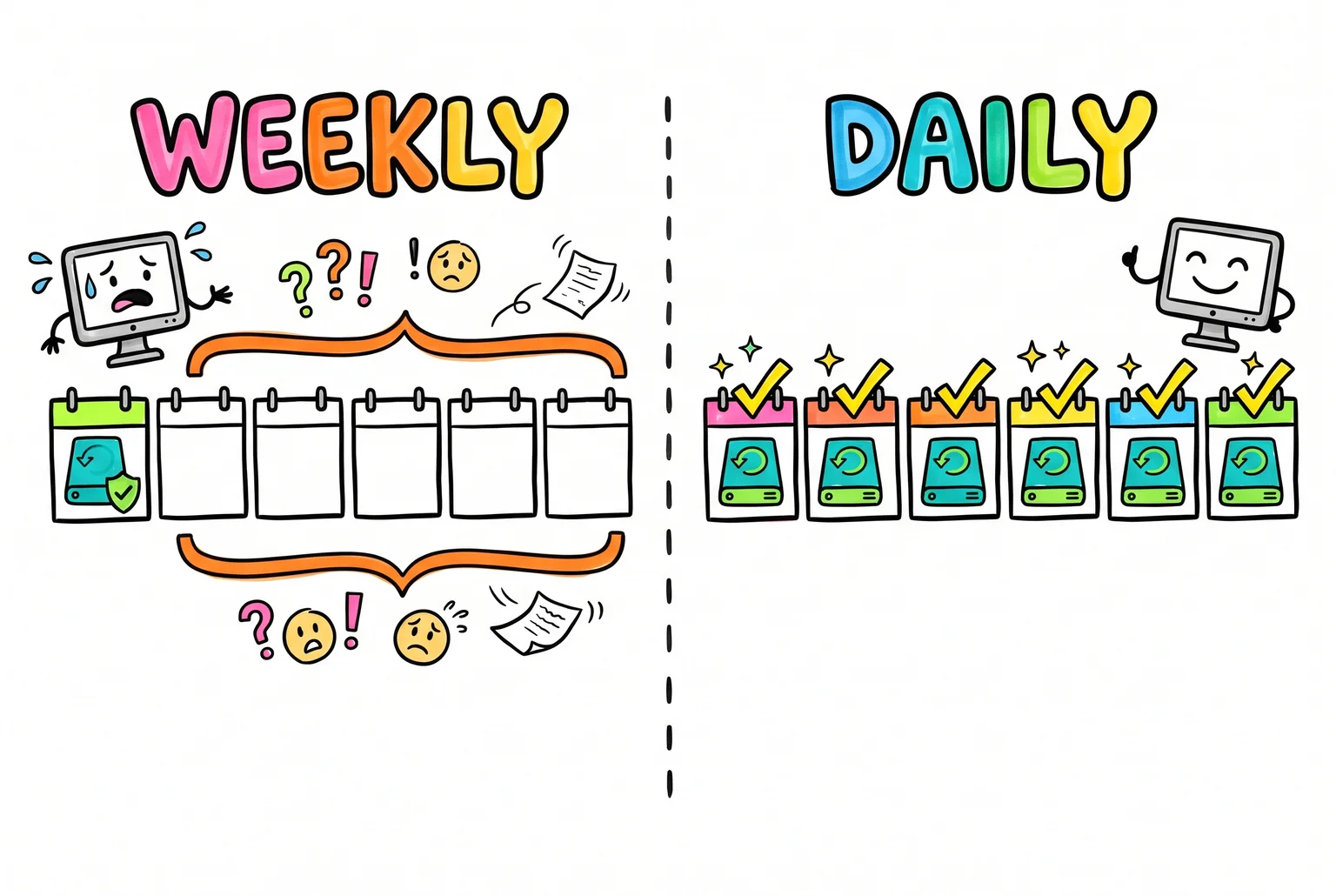
Backups and renewals separate these hosts most. Weekly backups on Bluehost mean a bad plugin update can cost up to a week of booking requests, while HyperPress keeps 90 days of restore points. SiteGround's jump from $2.99 to $17.99 is the steepest year-two increase here.
Is it time to leave GoDaddy, and what a move involves
GoDaddy sells cPanel web hosting and managed WordPress, and plenty of small sites run fine there. A switch is worth considering when pages stay slow after you've trimmed images and plugins, when downtime repeats, when the renewal jumps past what you can absorb (GoDaddy's Economy plan goes from $6.99 to $11.99), or when support can't fix a problem. Whether a better host exists depends on what the site does. A plumbing company taking booking requests could look at Bluehost Managed WordPress if the owner edits the site, or HyperPress if nobody wants to touch updates. A solo consultant with a five-page brochure site could stay put or move to Hostinger to cut cost.
A move covers four things: site files, the domain, email, and a short cutover window. Copy the site to the new host and test it before changing DNS, and keep the old account running during propagation. Booking sites also need the database moved and a final content sync. Change only the A record or nameservers, and leave MX records pointing at your email provider. Email has its own steps, covered in our email hosting post.

After the switch, test forms, bookings, payments and redirects, not just the homepage, and watch the site for 48 hours. Keep the old account for 7 to 14 days. Bluehost's transfer service moves up to five sites and 20 email accounts, and GoDaddy sells a paid migration service.
Find your business in this quick guide
The solo consultant with a five-page site and a contact form belongs on shared hosting. Hostinger keeps the cost down, and a low-traffic brochure site rarely outgrows a shared plan.
The plumbing and HVAC company from the start of this post takes booking requests, so it needs managed WordPress. Bluehost Managed WordPress suits an owner who edits the site. HyperPress suits one who wants updates handled, and GillyTech's Caladesi Construction case study shows a contractor site on that setup.
The cleaning company with online booking also starts on managed WordPress. A calendar does not call for a VPS, but booking pages need careful cache handling and working scheduled tasks.
The multi-crew contractor with CRM and scheduling integrations fits managed cloud. A VPS only makes sense if someone on staff can run the server.
Pick a type, shortlist two hosts, then buy
Pick the hosting type from the stage guide that matches your business today. Choose two hosts from the comparison table that offer it, then read each one's renewal price before you pay.
If you want someone else to run the server, GillyTech is one option. HyperPress is $100 per month for managed WordPress, and you can book a 15-minute call to see whether it fits.
For more depth, read our posts on LiteSpeed speed, hosting pricing, business email, SEO and WordPress hosting.
Sources
- Website Downtime Costs $137 to $427 Per Minute — TopSyde — TopSyde
- One in three small business websites is broken or missing, finds — Looops
- WordPress Shared Hosting vs VPS — AwakeHost
- Shared Host vs VPS — MehranHost
- Core Web Vitals — Google Search Central
- Hosting Agreement — Hostinger
- Case Study: Lost Imagination Studios on HyperPress » GillyTech — GillyTech
- Caladesi Construction Case Study — GillyTech
- WooCommerce Bookings Troubleshooting Tips — WooCommerce
- HyperPress™ Fully Managed High Performance WordPress Hosting for Business Websites » GillyTech — GillyTech
- Book a Call with Our Knowledgeable Staff » GillyTech — GillyTech
- Managed WordPress Hosting » GillyTech — GillyTech
Uncategorized
Best Web Hosting for Small Business: Which Type Fits Your Stage, and Which Host to Pick
Oct 28, 2026


Company News
Every Layer Under a Website Got More Expensive This Year. Our Hosting Prices Did Not.
Oct 12, 2026